Ember 720nm IR Filter
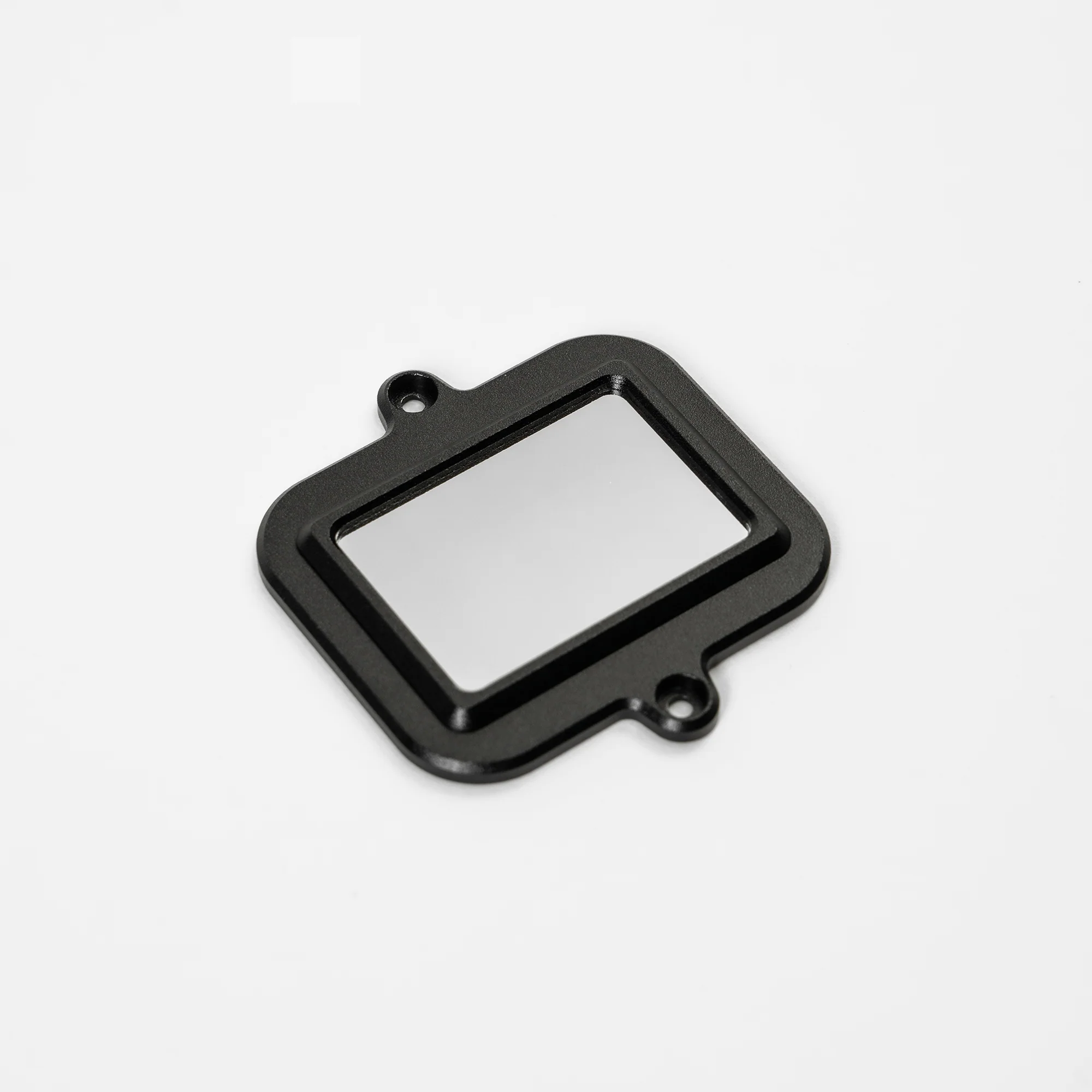
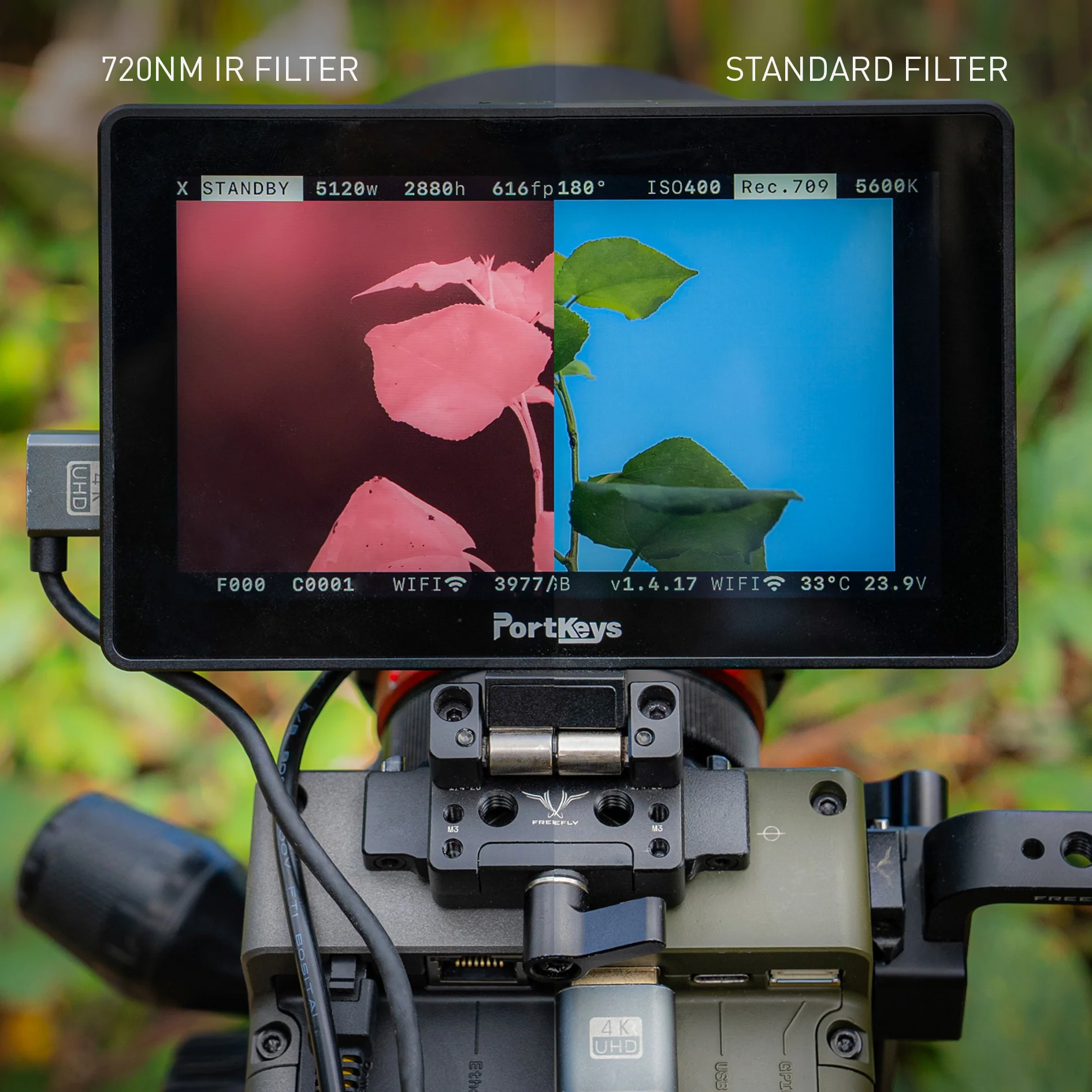
Install this filter in your Ember camera body in place of the standard IR cut filter for stunning infrared video. Video captured with this filter installed shows how the scene or subjects reflect or transmit infrared light by filtering out near-infrared, visible, and ultraviolet light and only allowing infrared light waves at 720nm or above to pass through.
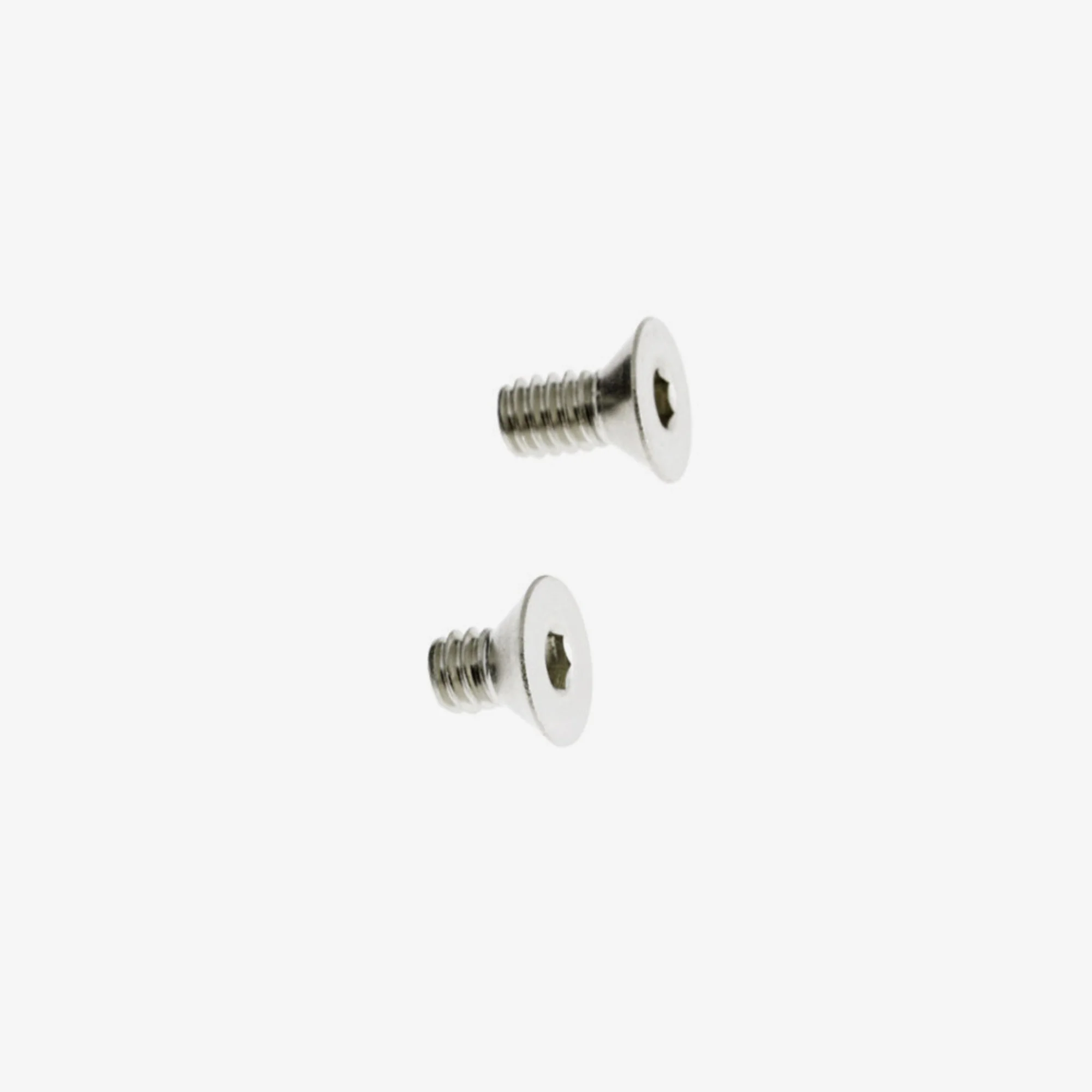
To install in you Ember camera, simply remove the Ember lens mount (4 screws), then remove the standard filter (2 screws). Install the 720nm filter and the lens mount and you're ready to shoot IR footage.
More Images
Ember 720nm IR Filter
Install this filter in your Ember camera body in place of the standard IR cut filter for stunning infrared video. Video captured with this filter installed shows how the scene or subjects reflect or transmit infrared light by filtering out near-infrared, visible, and ultraviolet light and only allowing infrared light waves at 720nm or above to pass through.
To install in you Ember camera, simply remove the Ember lens mount (4 screws), then remove the standard filter (2 screws). Install the 720nm filter and the lens mount and you're ready to shoot IR footage.
Product Information
Product Information
Shipping & Returns
Shipping & Returns
Description
Install this filter in your Ember camera body in place of the standard IR cut filter for stunning infrared video. Video captured with this filter installed shows how the scene or subjects reflect or transmit infrared light by filtering out near-infrared, visible, and ultraviolet light and only allowing infrared light waves at 720nm or above to pass through.
To install in you Ember camera, simply remove the Ember lens mount (4 screws), then remove the standard filter (2 screws). Install the 720nm filter and the lens mount and you're ready to shoot IR footage.